Top 11 Developer-Favorite AAA Studios for Cutting-Edge Real-Time Graphics
Top 11 Developer-Favorite AAA Studios for Cutting-Edge Real-Time Graphics
Real-time rendering now defines the feel of blockbuster games as much as story and systems, and a handful of AAA studios set the pace with tools and talent built for next-gen graphics on PC games, PlayStation, Xbox, and even mobile gaming. In 2025, Unreal Engine 5 (UE5), Lumen, Nanite, and smart engine choices enable more cinematic worlds without sacrificing cross-platform performance. “Real-time graphics are visuals rendered instantaneously as the player interacts, relying on GPU-accelerated pipelines to update lighting, geometry, and effects at playable frame rates, enabling responsive gameplay and cinematic fidelity.” For broader context and performance-minded recommendations around what to play and how it runs, our Latest News, Reviews, Strategy Guides, puzzle solutions, cheat guides, and game ratings coverage keeps this list grounded in what players actually experience.
Top Game Development Toolchain & SDK Companies for Console & PC Studios
Modern console and PC games are built with an ecosystem of platform SDKs, engines, middleware, and production tools. Here are the top companies powering professional studios, with links to official resources and notes on where each fits in a AAA-ready toolchain.
Microsoft — Xbox GDK, DirectX, and Visual Studio
- What they offer: Platform SDKs for Xbox, the DirectX graphics API for Windows, and the industry-standard Visual Studio IDE.
- Why it matters: Core platform access for Xbox, deep Windows integration, cutting-edge graphics via DirectX 12 Ultimate.
- Key links: Xbox Game Dev portal (requires approval) https://developer.microsoft.com/en-us/games/xbox/ • DirectX developer center https://developer.microsoft.com/en-us/directx/ • Visual Studio https://visualstudio.microsoft.com/
Sony Interactive Entertainment — PlayStation SDKs and DevNet
7 Game‑Changing AAA Studios Delivering Unmatched PC and Console Graphics
7 Game‑Changing AAA Studios Delivering Unmatched PC and Console Graphics
From photorealistic cities to vast open worlds, a select group of AAA studios keeps redefining what real-time 3D rendering and visual fidelity can look like on PC and consoles. This guide spotlights seven leaders—Epic Games, Naughty Dog, Insomniac Games, Ubisoft, Electronic Arts, Square Enix, and Rockstar Games—whose engines, pipelines, and art direction shape the visuals the rest of the industry chases. Below, we explain how each studio builds its look, the tools behind the scenes, and the innovations that transform cutting-edge tech into unforgettable worlds.
Top 10 AAA Studios for Real-Time 3D Rendering and Visual Fidelity on PC & Consoles (2025)
Intro
- What makes a studio a visual leader in 2025? A track record of shipping cutting-edge visuals across platforms, innovation in real-time techniques (ray tracing, path tracing, advanced GI), smart upscalers (DLSS/FSR/TAAU), asset quality, performance stability, and strong engine/tooling.
- Below are 10 AAA studios consistently setting the bar for real-time 3D rendering and image quality on PC, PlayStation 5, and Xbox Series X|S—plus where to see their best work.
- Insomniac Games (PlayStation Studios)
- Flagship showcase: Marvel’s Spider-Man 2 (PS5)
- Why they stand out: Insomniac pairs superb art direction with world-class streaming tech and fast I/O, keeping dense open-world detail and fast traversal stable while delivering high-quality ray-traced reflections across modes on PS5.
- Notable tech strengths:
- Insanely fast asset streaming for seamless traversal
- High-quality temporal upscaling/injection and smart anti-aliasing
- Consistent RT reflection quality on console across performance profiles
- Best platform fit: PS5
- Sources:
- Marvel’s Spider-Man 2 overview (PlayStation): https://www.playstation.com/en-us/games/marvels-spider-man-2/
- CD Projekt Red
- Flagship showcase: Cyberpunk 2077 (PC) with RT Overdrive (path tracing)
- Why they stand out: Cyberpunk 2077 turned into a PC graphics benchmark after the RT Overdrive “path tracing” mode—an aggressive real-time lighting solution few shipped at scale—plus extensive support for modern upscalers and frame-gen on high-end GPUs.
- Notable tech strengths:
- Path tracing “Overdrive Mode” on PC
- Strong PC feature set (DLSS, frame generation) and scalable settings
- Best platform fit: High-end PC
- Sources:
- NVIDIA: Cyberpunk 2077 Ray Tracing: Overdrive Mode: https://www.nvidia.com/en-us/geforce/news/cyberpunk-2077-rtx-path-tracing-overdrive/
- Remedy Entertainment
- Flagship showcase: Alan Wake 2 (PC/PS5/XSX|S)
- Why they stand out: Alan Wake 2 pushed real-time global illumination and reflections with a fully path-traced mode on PC and leading-edge lighting solutions on consoles, making Northlight one of the most impressive proprietary engines in 2024–2025.
- Notable tech strengths:
- Full path tracing mode on PC, advanced RT modes on console
- Excellent materials, volumetrics, and art-tech cohesion
- Best platform fit: High-end PC (for PT), PS5/XSX for strong RT presets
- Sources:
- NVIDIA: Alan Wake 2 full ray tracing and DLSS 3.5: https://www.nvidia.com/en-us/geforce/news/alan-wake-2-dlss-3-5-ray-tracing/
- Guerrilla Games (PlayStation Studios)
- Flagship showcase: Horizon Forbidden West + Burning Shores (PS5/PC)
- Why they stand out: Decima delivers lush biomes, dense foliage, superb materials, and strong atmospheric rendering, with the PS5-only Burning Shores expansion raising volumetrics, clouds, and water simulation.
- Notable tech strengths:
- Advanced open-world rendering with large draw distances
- High-quality vegetation, clouds, and water sims
- Best platform fit: PS5; PC ports benefit from modern upscalers
- Sources:
- Horizon Forbidden West overview (PlayStation): https://www.playstation.com/en-us/games/horizon-forbidden-west/
- Rockstar Games
- Flagship showcase: Red Dead Redemption 2 (PC/PS4/Xbox One; enhanced on new-gen hardware via BC), Grand Theft Auto VI (announced)
- Why they stand out: Rockstar marries large-scale open worlds with meticulous material work, animation, and atmospherics. RDR2 on PC still sets a high bar for volumetrics, terrain, and lighting; GTA VI trailers indicate another leap in streaming and detail density.
- Notable tech strengths:
- Massive open-world streaming and systemic detail
- High-end volumetrics, terrain, and weather simulation
- Best platform fit: High-end PC (for RDR2), next-gen consoles for future titles
- Sources:
- Red Dead Redemption 2 (official site): https://www.rockstargames.com/reddeadredemption2/
- Ubisoft Massive Entertainment
- Flagship showcase: Avatar: Frontiers of Pandora (PC/PS5/XSX|S)
- Why they stand out: The Snowdrop engine targets high-fidelity foliage, global illumination, and ray-traced effects with vast draw distances—ideal for Pandora’s dense, vertical biomes.
- Notable tech strengths:
- Ray-traced GI/reflections support and robust materials/foliage
- Strong HDR and color grading for lush biomes
- Best platform fit: High-end PC for max settings; PS5/XSX for balanced RT
- Sources:
- Snowdrop Engine (official): https://www.snowdropengine.com/
- Avatar: Frontiers of Pandora (Ubisoft): https://www.ubisoft.com/en-us/game/avatar/frontiers-of-pandora
- Santa Monica Studio (PlayStation Studios)
- Flagship showcase: God of War Ragnarök (PS5/PS4)
- Why they stand out: A masterclass in cinematics-meet-gameplay, Ragnarök balances dense environments, animation fidelity, and broad performance modes (including high refresh-rate options on PS5) without sacrificing visual clarity.
- Notable tech strengths:
- Cinematic lighting and animation in fully playable sequences
- Multiple performance modes with strong image stability
- Best platform fit: PS5
- Sources:
- God of War Ragnarök (PlayStation): https://www.playstation.com/en-us/games/god-of-war-ragnarok/
- Polyphony Digital (PlayStation Studios)
- Flagship showcase: Gran Turismo 7 (PS5/PS4)
- Why they stand out: GT7 blends photoreal car rendering, materials, and lighting with exceptionally stable temporal AA and HDR pipelines. It remains a benchmark for clean image quality on console, with ray-traced modes for replays and Photo mode.
- Notable tech strengths:
- Ultra-clean materials/shaders and lighting for automotive rendering
- Excellent HDR tone-mapping and image stability
- Best platform fit: PS5 (for RT-enhanced modes), high-end displays
- Sources:
- Gran Turismo 7 (PlayStation): https://www.playstation.com/en-us/games/gran-turismo-7/
- Turn 10 Studios (Xbox Game Studios)
- Flagship showcase: Forza Motorsport (2023) (PC/XSX|S)
- Why they stand out: Built for the new consoles and PC, Forza Motorsport brings “ray tracing on-track,” refined materials, and advanced GI/reflections in a performant package with robust scalability on PC.
- Notable tech strengths:
- Real-time RT on track, detailed materials and car shaders
- Strong PC features and scalability
- Best platform fit: Xbox Series X for on-track RT; high-end PC for max settings
- Sources:
- Forza Motorsport (Xbox): https://www.xbox.com/en-US/games/forza-motorsport
- Capcom (RE Engine)
- Flagship showcase: Resident Evil 4 (Remake) (PC/PS5/XSX|S)
- Why they stand out: RE Engine has become a model of performance-to-fidelity efficiency, delivering crisp image quality, high framerates, and modern features (including ray-traced effects on supported platforms) across horror, action, and fighting games.
- Notable tech strengths:
- Exceptional performance efficiency and clean TAA
- Scales well across PC and consoles with RT options
- Best platform fit: Wide—runs great on PS5/XSX and mid/high-end PCs
- Sources:
- Resident Evil 4 (official): https://www.residentevil.com/re4/
How we ranked
10 Steam, Epic, GOG, Microsoft Store Alternatives Worth Your Money
10 Steam, Epic, GOG, Microsoft Store Alternatives Worth Your Money
Looking for the best Steam alternatives for PC gaming in 2025? Whether you want DRM-free games you truly own, discounted game keys from authorized resellers, or a subscription and cloud gaming combo that slashes upfront costs, there’s more choice than ever. Below, we round up 10 trustworthy PC game stores, subscriptions, and services that deliver strong value, clear perks, and safer purchasing. We also include quick comparison tables, refund and DRM pointers, and a buyer’s checklist so you can pick the right platform for your library and budget.
Top 10 PC Game Storefronts for Digital Distribution and In-Game Purchases (2025)
Digital distribution dominates PC gaming, but not all storefronts are equal for buying games, managing libraries, and handling in-game purchases. Whether you want the biggest catalog, DRM‑free downloads, or the smoothest microtransaction experience, this list breaks down the best options in 2025—what they do well, where they fall short, and key policies you should know.
How we ranked
- Breadth and quality of catalog (first- and third-party support, indies)
- In-game purchase experience (payment options, wallet systems, parental controls)
- Platform features (cloud saves, achievements, cross-play/progression)
- Policies that matter (refunds, ownership/DRM, regional pricing)
- Value extras (subscriptions, free games, bundles)
- Trust and reliability (official/authorized sellers, security, customer support)
1. Steam — The all-in-one PC marketplace and platform
- Best for: The biggest catalog, robust features, and reliable refunds
- Standout features: Massive library, Steamworks integrations, mods via Steam Workshop, cloud saves, achievements, regional pricing, family features. Refunds are straightforward within 14 days if playtime is under 2 hours (some exceptions) source.
- In-game purchases: Uses Steam Wallet with support for inventory items and microtransactions in many games (publisher-dependent) source.
- Considerations: Some games use third-party launchers/DRM. Discovery can be overwhelming due to volume.
2. Epic Games Store — Strong exclusives and frequent freebies
- Best for: Timed exclusives, weekly free games, and a clean launcher
- Standout features: Regular free games program, a growing library of AA/AAA and indies, mod support in select titles, cloud saves for many games source.
- In-game purchases: Epic Wallet supports in-game currency and add-ons where enabled; payment methods vary by region source.
- Developer note: Epic’s 88/12 revenue share for games sold through EGS is a key ecosystem driver source.
- Considerations: Smaller catalog than Steam; community features are still lighter than competitors.
3. Microsoft Store (Xbox app on PC) — Game Pass integration and cross-platform perks
- Best for: PC Game Pass subscribers and cross-buy on supported titles
- Standout features: PC Game Pass library access, Xbox app for Windows with social features, cross-play/cross-progression on supported games, and Xbox Play Anywhere cross-buy for eligible titles source, source.
- In-game purchases: Uses Microsoft account/Xbox services; parental controls and family settings supported source.
- Refunds: Digital goods policies are stricter and vary; see Microsoft’s digital return policy source.
- Considerations: Some Win32/permission quirks remain; modding support varies by title.
4. GOG.com — DRM-free ownership with optional Galaxy client
- Best for: Collectors who want DRM‑free downloads and offline play
- Standout features: DRM-free policy on store games, optional GOG Galaxy client for unified library, updates, and cloud saves on supported titles source.
- In-game purchases: Typically limited; DLC and expansions are common, but many titles avoid microtransactions due to DRM‑free stance (publisher-dependent).
- Refunds: 30-day voluntary refund policy even after download, within fairness guidelines source.
- Considerations: Fewer live-service titles; some newer multiplayer games launch elsewhere first.
5. EA app (PC) — EA’s home for sports, shooters, and service games
- Best for: EA franchises (FIFA/EA Sports FC, Battlefield, Apex Legends) and EA Play subscribers
- Standout features: Replaces Origin as EA’s PC storefront and launcher; integrates EA Play subscription, cloud saves for supported games source.
- In-game purchases: Seamless for EA titles (cosmetics, passes, currency) with regional payment options source.
- Refunds: EA’s “Great Game Guarantee” allows refunds within specific windows (e.g., within 24 hours after first launch or within 7 days of purchase for eligible titles) source.
- Considerations: Catalog is EA-focused; third-party titles vary.
6. Ubisoft Connect — Cross-progression and live-service depth
- Best for: Ubisoft’s open-world and co-op franchises (Assassin’s Creed, Rainbow Six, The Division)
- Standout features: Cross-progression and cross-play on supported titles, loyalty challenges with in-game rewards, unified friends list across platforms source.
- In-game purchases: Integrated with Ubisoft Wallet for select regions; supports boosts, cosmetics, and DLC in many titles source.
- Refunds: Ubisoft Store digital PC downloads are generally non-refundable once accessed; conditions apply source.
- Considerations: Heavily oriented around Ubisoft’s ecosystem and live services.
7. Battle.net — Blizzard and Activision live-service hub
- Best for: Blizzard franchises (World of Warcraft, Diablo, Overwatch) and select Activision titles
- Standout features: Unified launcher, automatic updates, strong anti-cheat for supported games, region/account services.
- In-game purchases: Battle.net Balance supports purchases of games, services, and in-game items where available source.
- Refunds: Vary by product and usage; Blizzard provides a self-service refund portal with eligibility rules source.
- Considerations: Narrower catalog; titles are primarily first-party.
8. Riot Client — Focused store for League of Legends, Valorant, and more
- Best for: Competitive PvP players invested in Riot’s ecosystem
- Standout features: One client for Riot games, robust anti-cheat (Vanguard for Valorant), strong social tools and esports integration source.
- In-game purchases: Extensive cosmetic stores and battle passes; multiple regional payment methods supported source.
- Refunds: Certain unused purchases are refundable within specific time frames; strict rules for consumables and used content source.
- Considerations: Catalog limited to Riot titles; no traditional “buy-to-own” for most games.
9. Rockstar Games Launcher — Grand Theft Auto and Red Dead home base
- Best for: Rockstar titles and in-game currency packs (e.g., GTA Online Shark Cards)
- Standout features: Tightly integrated with Rockstar Social Club; automatic updates and cloud saves on supported titles source.
- In-game purchases: Direct purchase of Shark Cards and other currency/add-ons via Rockstar Store and in-game flows source.
- Refunds: Digital purchases are typically non-refundable except where required by law; see policy for details source.
- Considerations: Catalog limited to Rockstar; modding constraints for online modes.
10. Humble Store — Legit keys, frequent sales, and charity support
- Best for: Deal hunters who want official keys and charity contributions
- Standout features: Regular discounts, bundles, and Humble Choice subscription; proceeds support charities by default source.
- In-game purchases: Sells DLC and currency packs for some titles; most purchases are platform keys (Steam/Epic/Ubisoft) or DRM‑free when available source.
- Refunds: Case-by-case; redeemed keys generally cannot be refunded source.
- Considerations: Not a unified launcher; relies on external platforms for most activations.
Pro tips to shop smarter across storefronts
Are Indie Games Better on Console or PC? 13 Differences in Libraries and Content Access
Indie games thrive across both console and PC, but the way you discover, buy, refund, patch, mod, and play them can differ a lot by platform. Here are 13 clear differences to help you choose where indies fit you best.
1. Storefront Diversity vs. Single-Store Ecosystems
- PC offers multiple major storefronts (Steam, Epic Games Store, GOG, itch.io), each with different policies, features, and catalogs. See SteamDB for the scale of Steam’s catalog, Epic’s 12% revenue share, GOG’s DRM‑free stance, and itch.io’s flexible revenue share:
- SteamDB: https://steamdb.info/
- Epic Games Store (12% share): https://www.epicgames.com/site/en-US/news/announcing-the-epic-games-store
- GOG (DRM‑free): https://www.gog.com/about/gog-is-the-most-user-friendly-drm-free-digital-distribution-platform
- itch.io (Open revenue share): https://itch.io/docs/creators/revenue-share
- Consoles typically lock you to one primary store per platform (Nintendo eShop, PlayStation Store, Microsoft Store), which simplifies buying but reduces storefront choice.
2. Release Timing and Timed Exclusives
- On PC, many indies launch day‑and‑date across storefronts or with PC‑first launches; some titles become timed exclusives on a single PC store (e.g., Epic’s exclusivity deals): https://www.epicgames.com/site/en-US/news/why-exclusives-are-good-for-developers-and-gamers
- Consoles often see timed console exclusives. Example: Tunic launched on Xbox/PC first (Mar 2022) and reached PlayStation later (Sep 2022):
3. Early Access and Pre‑Release Programs
- PC has robust Early Access on Steam, letting players buy games in development and provide feedback: https://partner.steamgames.com/doc/store/earlyaccess
- Xbox offers Game Preview (an Early Access‑like console program) for select titles: https://www.xbox.com/en-US/games/game-preview
- PlayStation and Nintendo generally have stricter policies around unfinished builds; formal early‑access‑style releases are less common.
4. Subscription Libraries and Day‑One Indies
- Xbox Game Pass regularly features indies (including some day‑one launches): https://www.xbox.com/en-US/xbox-game-pass/games
- PlayStation Plus Extra/Premium includes a rotating catalog with many indie titles: https://www.playstation.com/en-us/ps-plus/games/
- Nintendo Switch Online focuses on classic libraries and occasional trials rather than a large modern indie catalog: https://www.nintendo.com/switch/online/
5. Pricing, Regional Pricing, and Sales Cadence
- PC storefronts run frequent, well‑publicized seasonal sales; Steam publishes an annual calendar of sales and themed “Fests” for developers: https://partner.steamgames.com/doc/marketing/upcoming_events/calendar
- Consoles also run sales, but timing and discounts vary by platform and publisher; regional pricing policies are generally less flexible than on PC.
6. Refund Policies Vary Significantly
- Steam: Full refunds within 14 days if playtime is under 2 hours (with some exceptions): https://store.steampowered.com/steam_refunds/
- PlayStation Store: 14 days to request a refund, but downloading/streaming can limit eligibility: https://www.playstation.com/en-us/support/store/ps-store-refund-request/
- Xbox: Refunds considered case‑by‑case; requests typically within 14 days of purchase: https://support.xbox.com/en-US/help/subscriptions-billing/buy-games-apps/refund-orders
- Nintendo eShop: Generally no refunds for digital purchases in many regions: https://en-americas-support.nintendo.com/app/answers/detail/a_id/57847
7. Mods and Community Content
- PC offers broad mod support via Steam Workshop and third‑party sites like Nexus Mods:
- Steam Workshop: https://partner.steamgames.com/doc/features/workshop
- Nexus Mods: https://help.nexusmods.com/article/18-what-is-nexus-mods
- Consoles heavily restrict modding; a few games (e.g., Bethesda titles) support curated mods: https://bethesda.net/en/mods
8. Input Options and Controller Support
- PC supports keyboard/mouse, a wide range of controllers, and extensive remapping through Steam Input: https://partner.steamgames.com/doc/features/steam_input
- Consoles standardize on their controllers; Xbox supports keyboard/mouse for select games: https://support.xbox.com/en-US/help/hardware-network/controller/mouse-and-keyboard
- PlayStation supports keyboards/mice in some titles and for system navigation: https://www.playstation.com/en-us/support/hardware/use-keyboard-mouse-ps5/
9. DRM and Ownership Models
- GOG sells DRM‑free games you can back up and run without a client: https://www.gog.com/about/gog-is-the-most-user-friendly-drm-free-digital-distribution-platform
- Steam generally requires the Steam client (with an offline mode available): https://help.steampowered.com/en/faqs/view/7245-4F6A-2E2A-8DAB
- Consoles tie digital licenses to your account and designated console(s), with platform‑specific rules:
- Xbox “Home Xbox” licensing: https://support.xbox.com/en-US/help/hardware-network/console/my-home-xbox
- PlayStation Console Sharing and Offline Play: https://www.playstation.com/en-us/support/games/share-playstation-plus-benefits-console-sharing-offline-play/
10. Discoverability, Tags, and User Reviews
- Steam’s discovery features include tags, user reviews, and queues that help surface indies: https://partner.steamgames.com/doc/store/discovery
- Console stores are more curated and typically lack public, per‑title user reviews and granular tagging, which can affect how quickly smaller indie releases are found organically.
11. Patching Speed and Certification
- PC patches can be deployed rapidly once tested by the developer.
- Console updates must pass platform certification, which adds process overhead before a patch goes live; see Microsoft’s certification overview: https://learn.microsoft.com/en-us/gaming/xbox-live/concepts/certification/certification-overview
12. Cloud Saves and Cross‑Device Play
- Steam Cloud supports automatic save syncing across PCs and Steam Deck: https://partner.steamgames.com/doc/features/cloud
- Xbox provides cloud saves without an extra subscription: https://support.xbox.com/en-US/help/games-apps/game-setup-and-play/cloud-game-saves-faq
- PlayStation cloud saves require PS Plus: https://www.playstation.com/en-us/support/games/save-data-cloud-storage-ps5-ps4/
- Nintendo Switch cloud saves require Nintendo Switch Online and aren’t supported by every game: https://www.nintendo.com/switch/online-service/save-data-cloud/
13. Backward Compatibility and Legacy Access
- PC has broad access to older indies and classics via compatibility tools and stores like GOG that prepare legacy builds: https://www.gog.com/about/gog-is-the-most-user-friendly-drm-free-digital-distribution-platform
- Xbox supports an extensive backward compatibility program: https://www.xbox.com/en-US/games/backward-compatibility
- PS5 plays most PS4 games, but not native PS3 discs; check Sony’s BC guidance: https://www.playstation.com/en-us/support/games/ps5-backward-compatibility/
- Nintendo Switch is not backward compatible with Wii U or 3DS software: https://en-americas-support.nintendo.com/app/answers/detail/a_id/22672
Bottom line: If you value the widest choice, flexible pricing, mods, and Early Access, PC is hard to beat. If you prefer streamlined stores, curated libraries, and subscription value on a living‑room device, consoles are excellent—especially Xbox Game Pass and PS Plus catalogs. Most players will benefit from mixing platforms based on the indies they care about most.
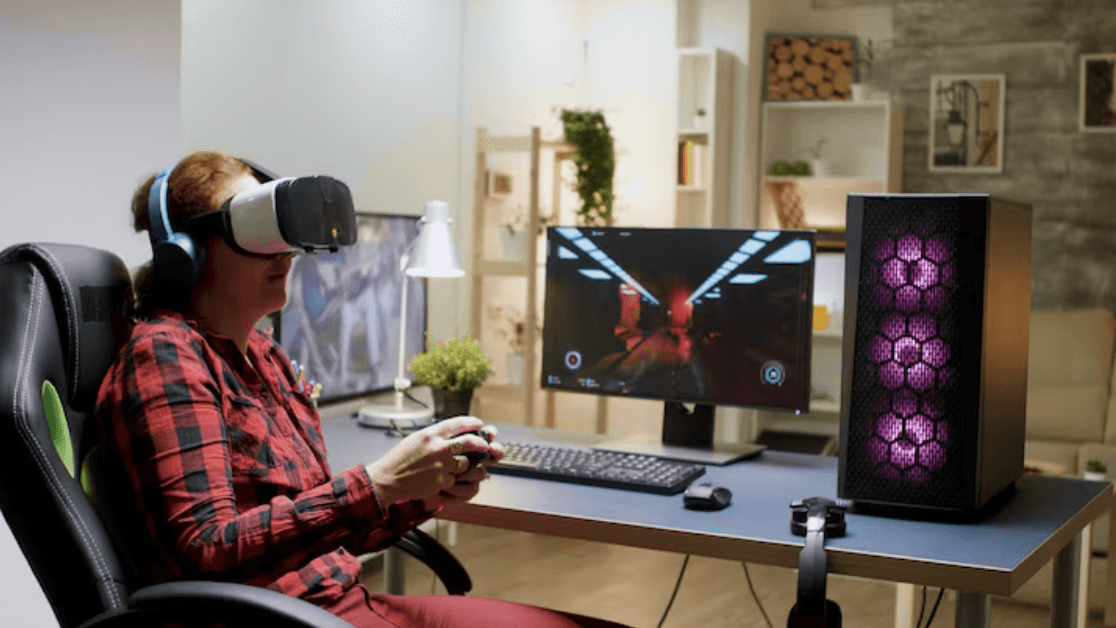
The Role of AI in Modern PC Games: Enhancing Gameplay and Immersion
Artificial Intelligence (AI) has rapidly transformed many industries, and PC gaming is no exception. From smarter enemies to procedural world generation and dynamic storytelling, AI technologies are redefining what games can do—making experiences more immersive, responsive, and personalized than ever before.
In 2025, AI is a key pillar in game design, not just a background tool. Here’s an in-depth look at how AI shapes modern PC games and what we can expect in the near future.

How to Build the Ultimate Gaming PC in 2025: A Complete Guide for Every Budget
In 2025, building your own gaming PC is more rewarding—and accessible—than ever before. With powerful new components, smarter tools, and endless customization options, you can create a gaming rig that matches your exact needs and budget. But with so many choices, where do you start?
Whether you’re aiming for 1080p budget-friendly gaming or 4K ultra performance, this guide will walk you through everything you need to know to build the ultimate gaming PC in 2025.

Gaming and Mental Health: The Good, the Bad, and the Science
Gaming often sparks debate—especially when it comes to mental health. Is it a harmless escape? A tool for connection? Or an unhealthy addiction?
As the industry grows, so does the research. And the truth is far more nuanced than headlines suggest. In this article, we explore how gaming affects mental health, both positively and negatively, with insights from science, psychology, and lived experience.
🎮 The Positive Impacts of Gaming on Mental Health
🧠 1. Stress Relief and Relaxation
For many, video games are a way to unwind after a long day. Immersive environments and rewarding gameplay loops help players shift focus, reduce cortisol levels, and enter a flow state similar to meditation.
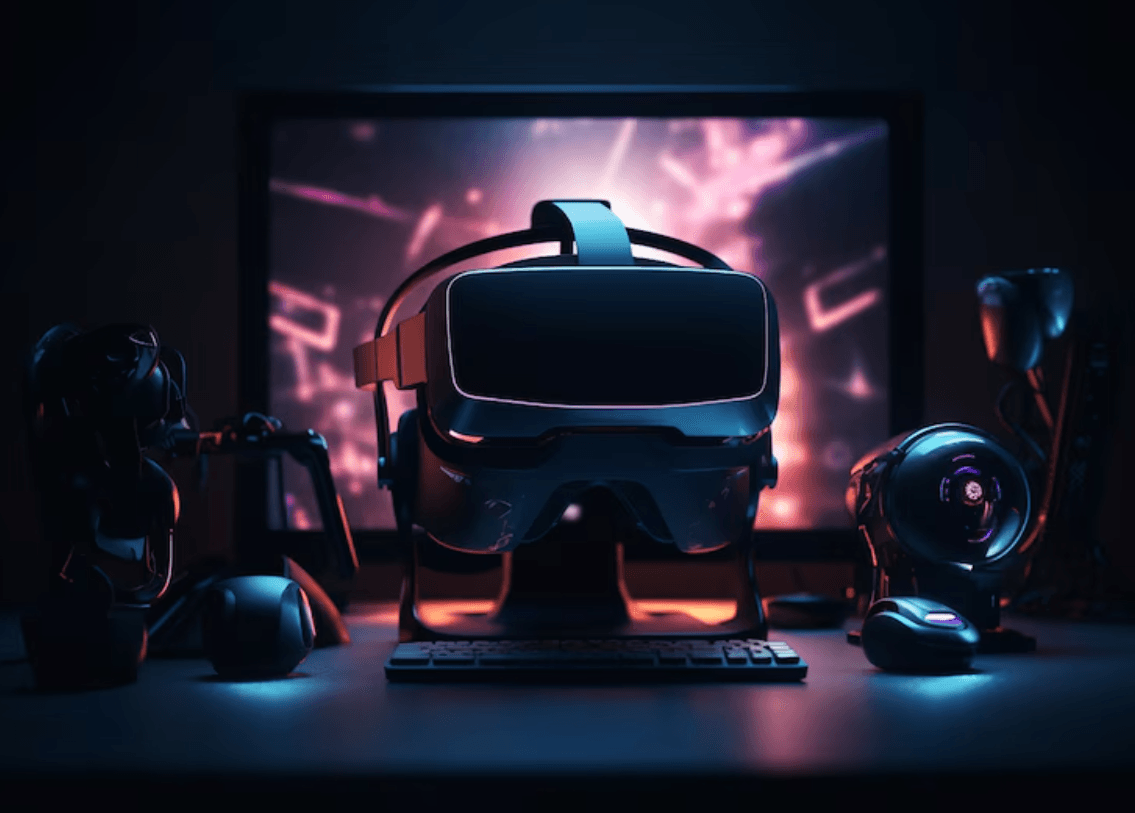
PC Gaming and the Cloud: Is Local Hardware Still King?
In 2025, cloud gaming on PC has matured significantly, allowing gamers to stream top-tier games to virtually any device. But with powerful gaming rigs more affordable than ever, the question remains: is the future of PC gaming truly in the cloud?
☁️ How Cloud Gaming Works Now
Unlike early experiments in the 2010s, cloud gaming in 2025 features:
5–10ms latency in most major cities
4K 120fps streaming on high-end plans

The Evolution of PC Gaming: From Floppy Disks to Cloud Gaming
Computer gaming has come a long way since the days of pixelated graphics and noisy modems. What began as a niche hobby for enthusiasts has transformed into a multi-billion-dollar industry that shapes culture, technology, and even social interaction. Let’s take a journey through time to explore how PC gaming has evolved over the decades—from the floppy disk era to today’s cutting-edge cloud gaming revolution.
The Early Days: 1980s–1990s
In the early ’80s, PC gaming was a humble pastime. Games were distributed on floppy disks—often one or two per title—and had to run on limited hardware. Popular systems included MS-DOS, the Commodore 64, and Amiga. Graphics were blocky, sound was simple, and gameplay relied heavily on imagination and storytelling.
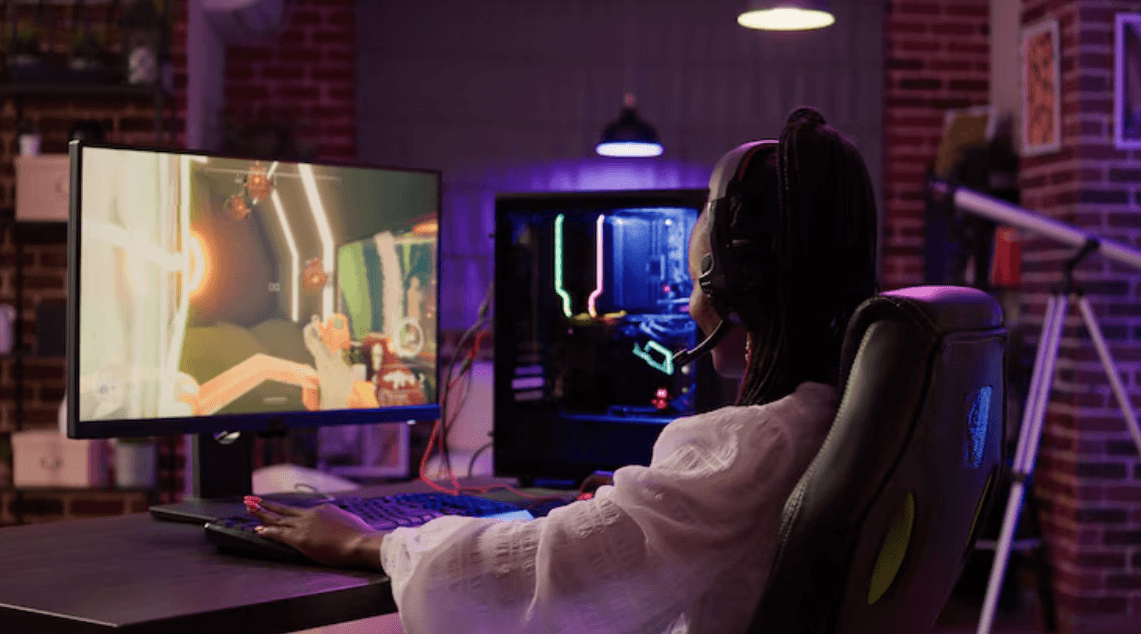
The Rise of Indie PC Games: Creativity Without Borders
Over the past two decades, indie PC games have evolved from a niche curiosity into a cornerstone of the gaming industry. What began as passion projects coded by small teams or solo developers now frequently rivals—or even surpasses—AAA titles in innovation, storytelling, and emotional impact. This rise wasn’t accidental. It was powered by accessible tools, supportive communities, and an appetite among players for new, bold, and original experiences.
1. What is an Indie Game?
Indie (short for independent) games are created without the financial backing of major publishers. While this independence means smaller budgets and smaller teams, it also allows for creative freedom and experimental gameplay that would often be considered too risky for larger studios.

PC vs Console Gaming: Why the Debate Rages On
For decades, gamers have debated the merits of PC gaming versus console gaming. Each platform has passionate supporters, and the argument shows no signs of ending. Whether it’s about graphics, cost, controls, or game libraries, both sides have valid points. But what really separates these platforms—and which one is right for you?
Let’s dive into the heart of the debate and examine the strengths, weaknesses, and cultural significance of PC vs console gaming.